When to Update Your LinkedIn Profile Picture: Signs You Should Not Ignore
- milesofbeauty
- Jun 10
- 3 min read

Your LinkedIn profile picture is often the first impression you make on potential employers, clients, or collaborators. It represents your professional image and can influence how others perceive your skills and personality. Yet many professionals overlook the importance of keeping this image fresh and relevant. If your current photo no longer reflects your best self or your career goals, it could be holding you back.
Here are three clear signs that it’s time to replace your LinkedIn profile picture.
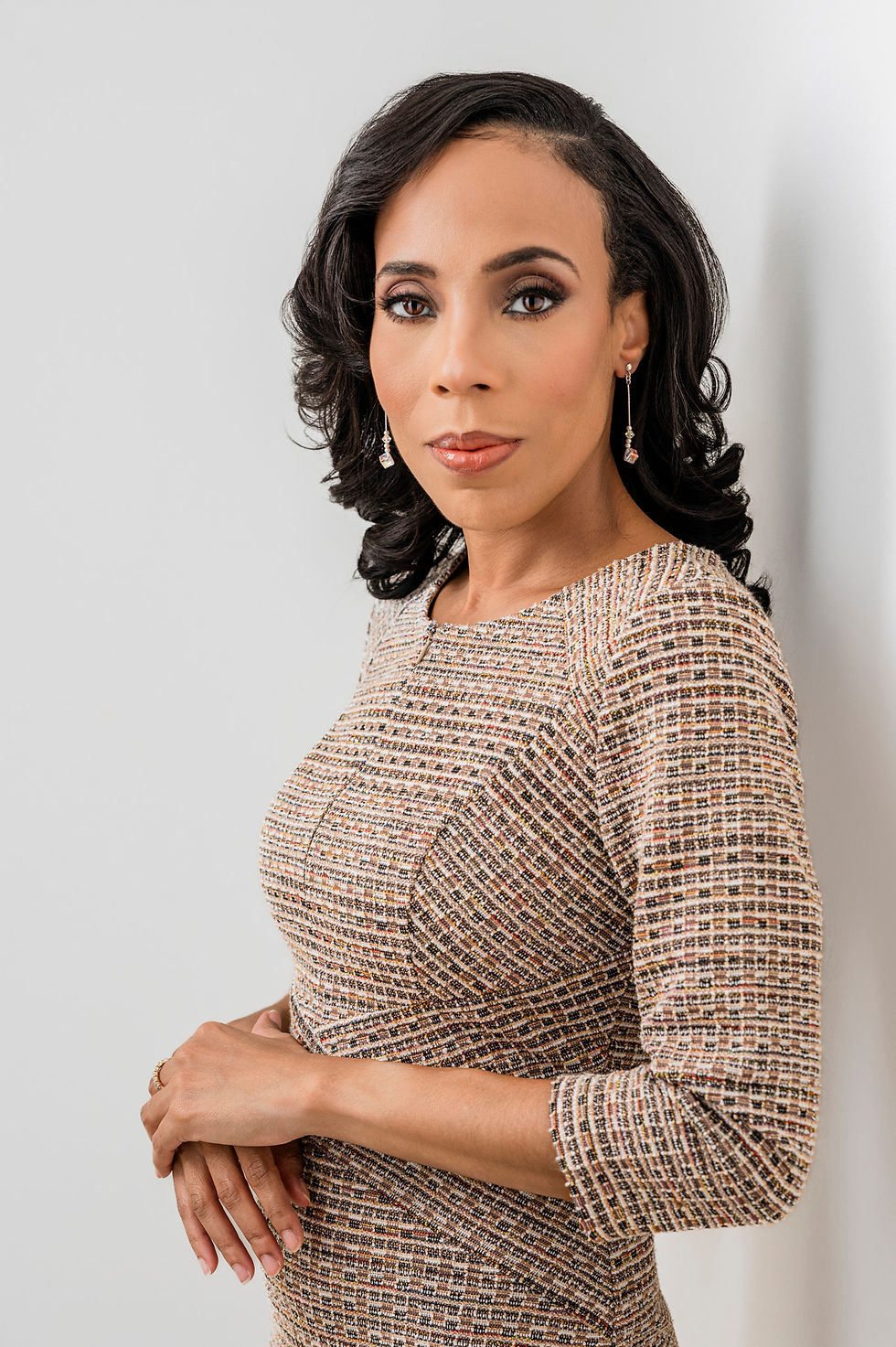
Caption: A well-lit headshot setup ready for capturing a clear and approachable professional image.
Your Current Photo Looks Outdated
If your LinkedIn profile picture is several years old, it may no longer represent how you look today. People change over time, and your photo should reflect your current appearance. This is especially important if you have changed hairstyles, facial hair, or even your style of dress.
An outdated photo can cause confusion or even mistrust. For example, if you meet someone in person after connecting on LinkedIn, they might hesitate if your photo looks very different from reality. A recent headshot helps build trust and shows you take your professional image seriously.
Tips to spot an outdated photo:
The photo is more than two years old.
Your hairstyle or facial features have changed noticeably.
The photo quality is low or blurry compared to modern standards.
The background or style looks old-fashioned or irrelevant.
Updating your photo every couple of years ensures your profile stays current and engaging.
Your Photo Does Not Match Your Professional Role
Your LinkedIn profile picture should align with your industry and the professional image you want to project. For example, a creative entrepreneur might choose a more relaxed and approachable photo, while a corporate executive might opt for a formal headshot.
If your current photo was taken casually or in an informal setting, it might not convey the right message. A selfie, a cropped group photo, or a picture with distracting backgrounds can undermine your professionalism.
Consider the impression you want to leave on recruiters or clients. Does your photo communicate confidence, competence, and approachability? If not, it’s time to invest in a new headshot that fits your career goals.
What makes a strong professional image?
Clear, high-resolution photo focused on your face.
Neutral or simple background that doesn’t distract.
Appropriate attire that matches your industry norms.
Natural, friendly expression that invites connection.
A well-chosen headshot can open doors and make your LinkedIn profile stand out.
Your Photo Does Not Reflect Your Personal Brand
Your personal brand is how you present yourself professionally, including your values, skills, and personality. Your LinkedIn profile picture plays a key role in this. If your photo feels disconnected from your brand, it can confuse your audience.
For example, if you brand yourself as an innovative thinker but your photo looks stiff or overly formal, it creates a mismatch. Similarly, if you emphasize creativity but your photo is dull or uninspired, it weakens your message.
Think about what you want your photo to say about you. Are you approachable and collaborative? Bold and confident? Warm and trustworthy? Your headshot should visually communicate these traits.
Ways to align your photo with your brand:
Choose colors and lighting that match your brand personality.
Use poses and expressions that reflect your style.
Work with a photographer who understands your professional goals.
Update your photo when your brand evolves or your career shifts.
A consistent professional image across your LinkedIn profile helps build recognition and trust.


Comments